How to use vector icons in Photoshop as vector shapes?

Have all the icons at your fingertips

For those unfamiliar with the custom shape toolbar in Adobe Photoshop, it allows you to insert a vectorized shape with just a click. And it’s not just fast, it’s also a convenient way to have an overview of your icons.

All our Picons.me iconsets already come with the necessary Custom Shape files (.csh). Personally, I couldn’t live without them.

How to import the Picons into Photoshop’s toolbar?

It’s super easy.

  • In Adobe Photoshop open “Edit” > “Presets” > “Preset Manager…” from the top menu
Photoshop preset manager
  • When the Preset manager pops up, choose “Custom Shapes” from the dropdown on the top
  • Click on “Load” and browse for the .CSH file, which came with your Picons.me iconset, select it and then click “OK”.
  • You can import multiple CSH files. We suggest you import all your Picons.me iconsets.

That’s it.

Now, to insert an icon, use the “Custom Shape tool” (see screenshot).
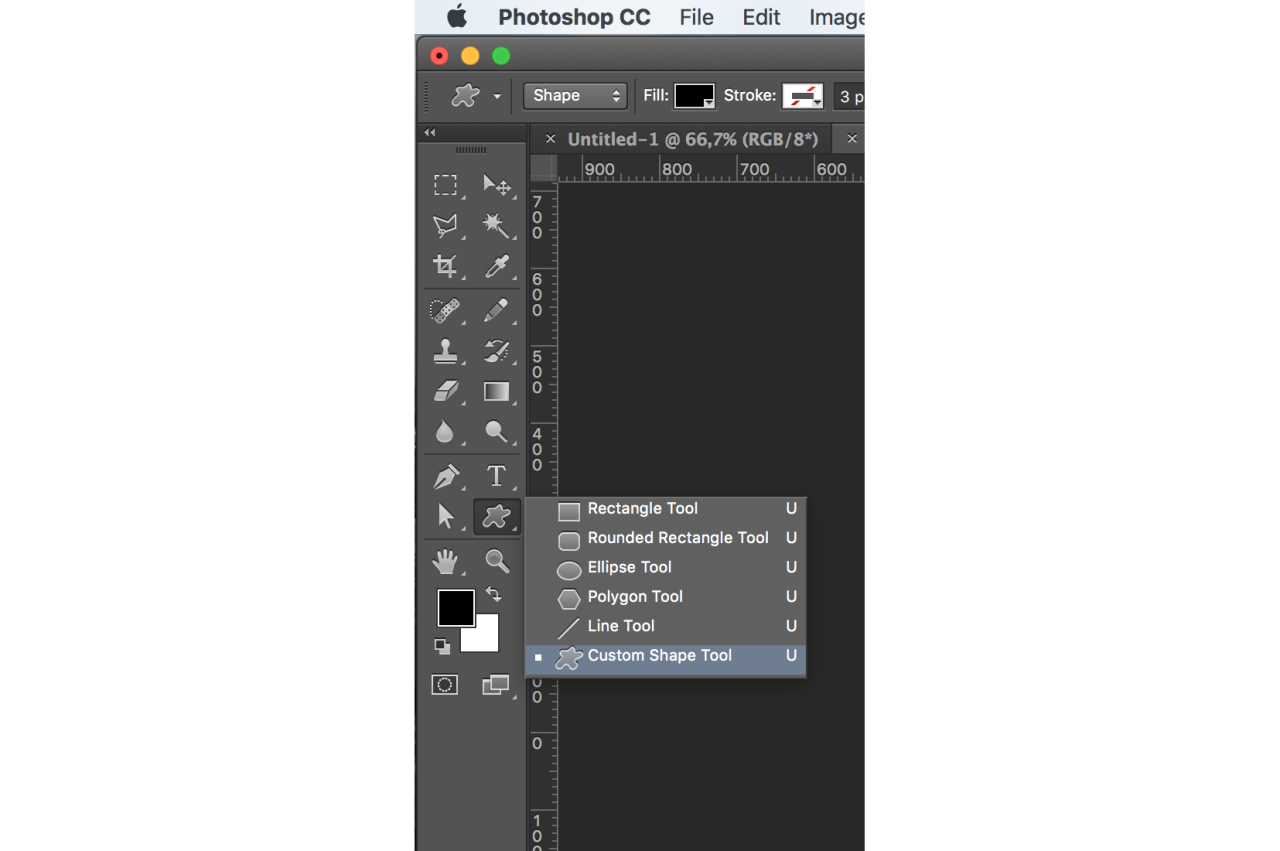
custom_shape_tool

Choose your desired icon (dropdown at the top bar) and draw it as an ordinary shape.
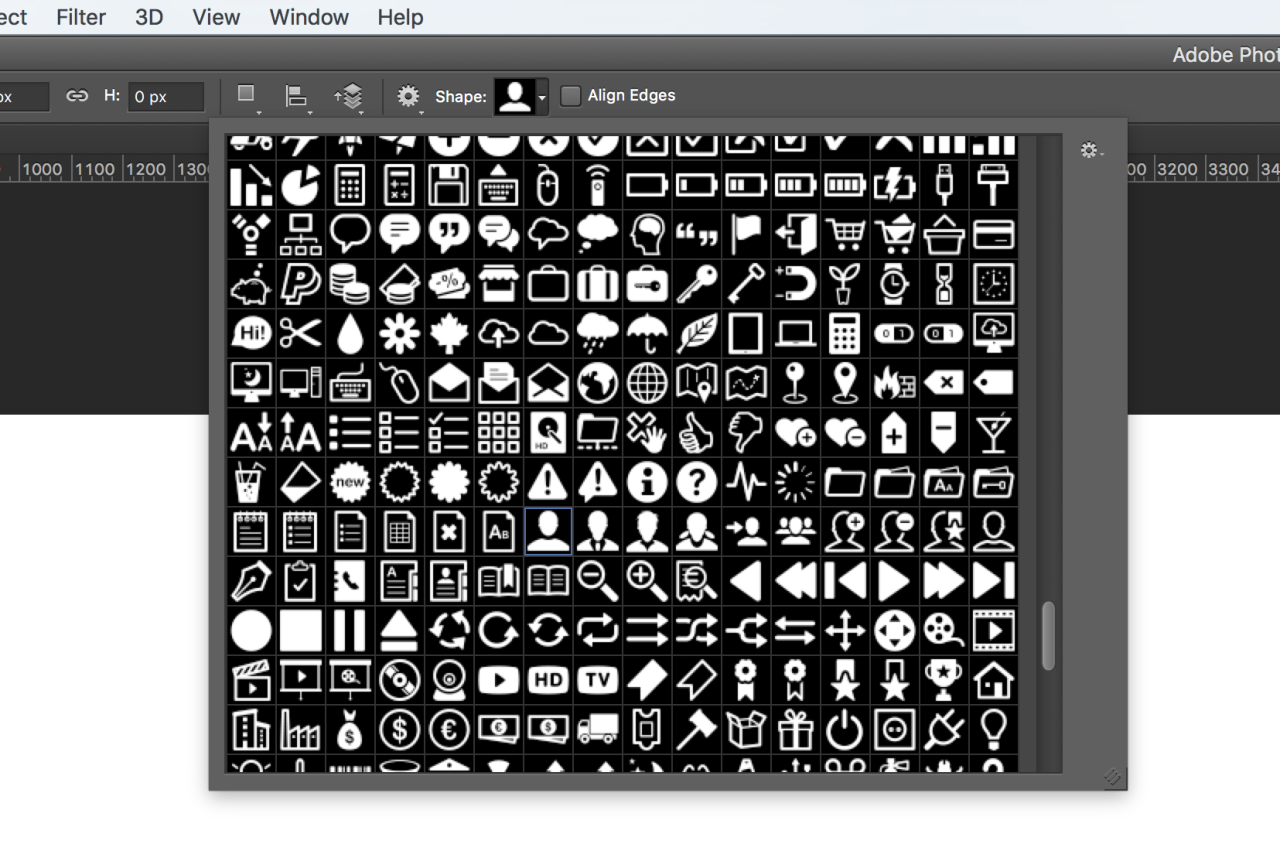
Toolbar

You can color it, resize, transform, apply a stroke, … whatever you like. The icon will be a vector shape object, so you won’t see any quality loss when resizing.

Have a productive time!

Free Picons Social Updated v3

In almost 5 years, our iconset Picons Social has been downloaded over 300.000 times. Yes, this is amazing and we’re very proud that it’s one of the most popular iconsets out there. And it’s free for everyone, of course.

We’ve been adding and updating the set all the time and it is growing and growing. We’re also very happy to get suggestions for including new icons. If you think we should add an icon – don’t hesitate to mail us: info at picons.me.

Picons Social v.3

Picons Social is a bundle of 110 vector icons of your most favorite social services and applications such as Facebook, Twitter, Instagram, Flickr, Tumblr, Pinterest, Dribbble and many others. You are free to use them on your personal or business websites, interfaces or even other application, but you have to respect their owners rights and guidelines of use. Therefor the Picons.me license agreement doesn’t accour on them.

Download Picons Social for Free

Big news! A huge update of Picons This is out!

Picons Thin - 1050 vector icons

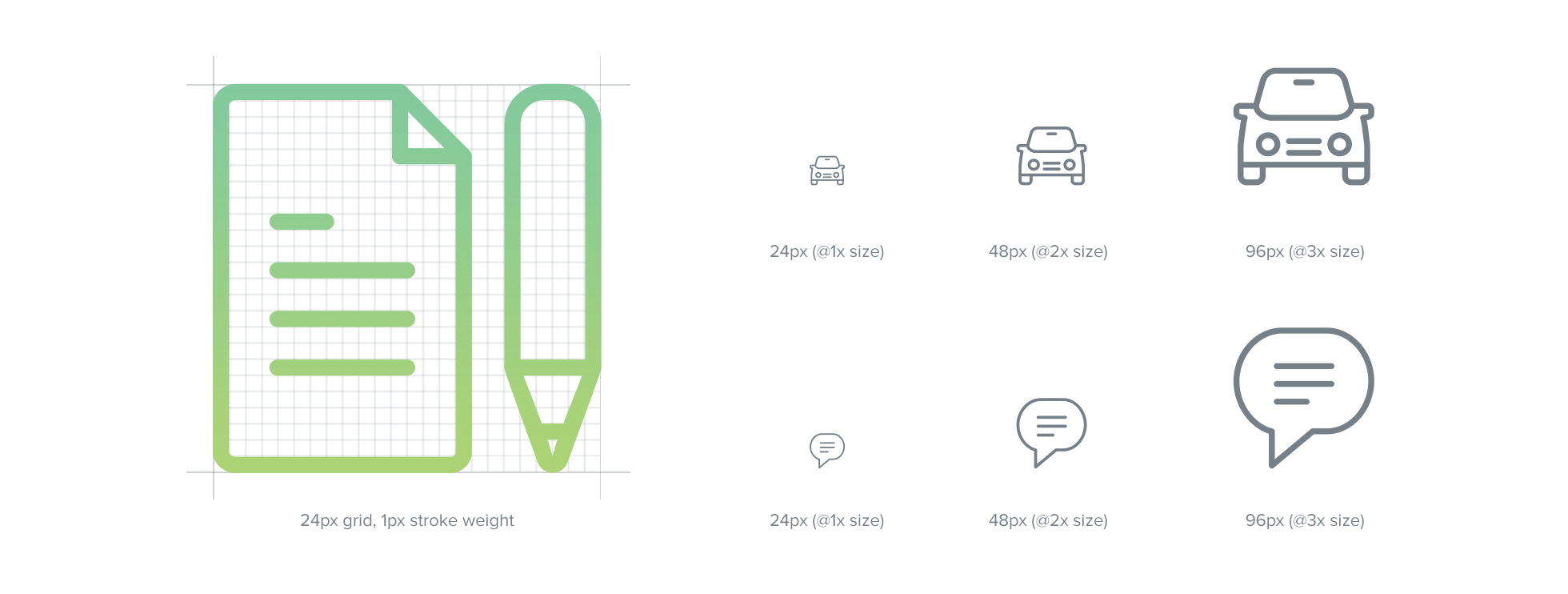
We are very proud to announce this release. Hours and hours have been spent to redesign the complete iconset from ground up and made it as twice as big. Each of the 1000+ icons has been built on a pixel-perfect grid, precisely hand-crafted and is sharing a consistent visual language.

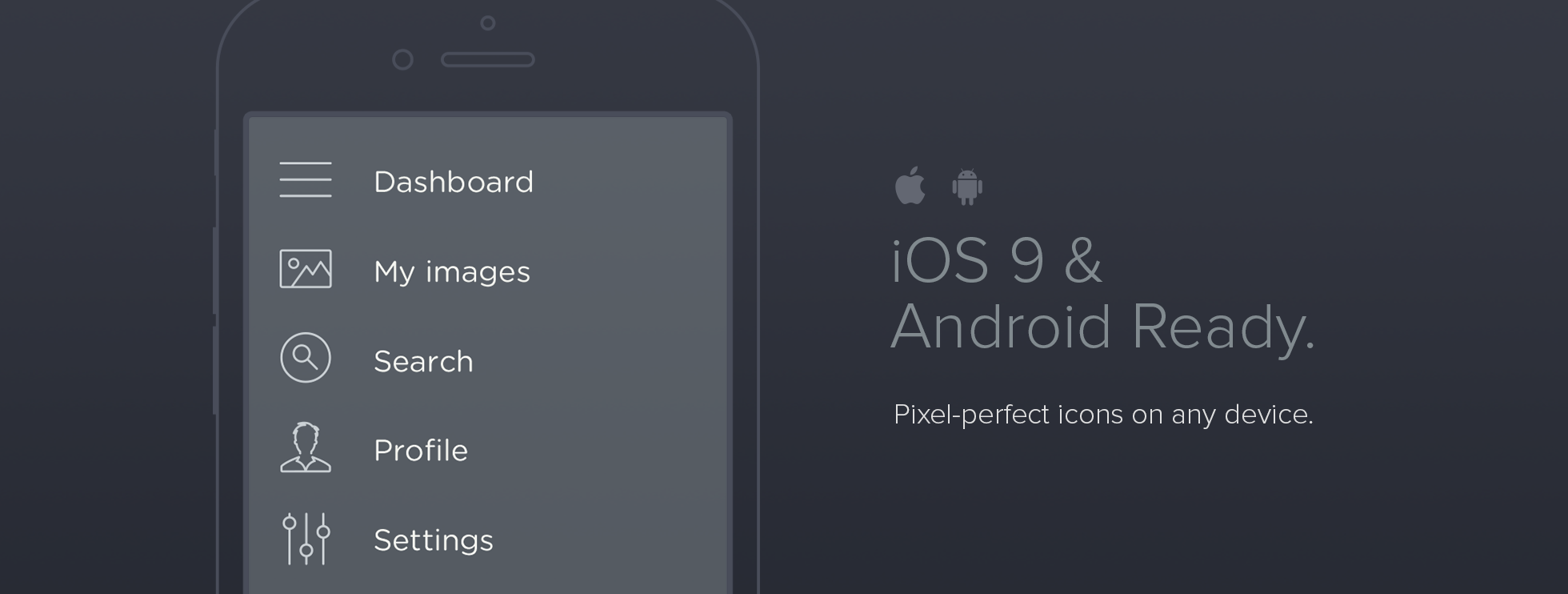
This is a brand new, super slick, elegant & modern iconset. All icons are iOS 8 & Android ready, pixel perfect on both 24- and 30-px grids, making it a must-have iconset for every developer and designer. We also added vector files with strokes, so you can change the stroke width, style and color in just seconds. Refresh your website, application or print with these new icons.

All the icons are grouped into categories (see the full preview).

Picons Thin - icons

iOS ready icons

We keep our promises. All our existing Thin and Complete buyers are eligible to get a FREE upgrade. Please email us, if you did not receive an automatized upgrade email.

The regular price for the iconset is $89,-. Until 31th of December we reduced the price for 20%. This means you can get the new Picons Thin icon set, containing 1050 royalty-free vector icons, for only $69,- (EUR 52,-).

Get Picons Thin here.